01
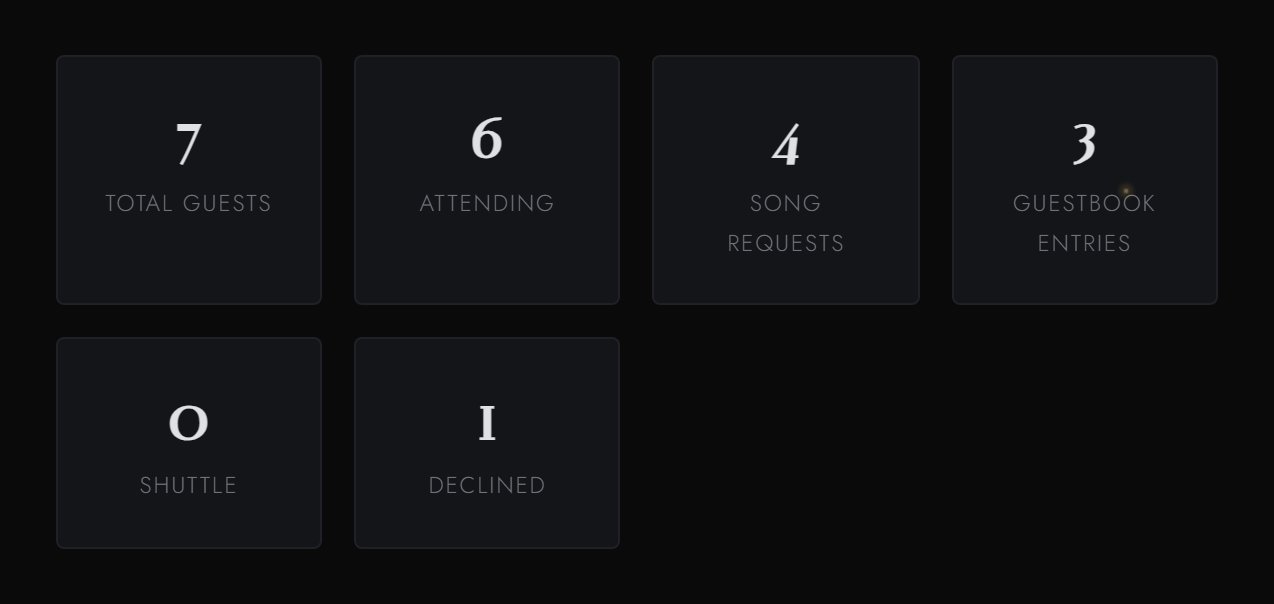
Responses arrive as your guests hit submit, attending, declined, and still deciding, counted at a glance. Export the whole list to a spreadsheet whenever you need it.
Save the date first. Everything else, when you are ready. Same link.
No coding, no designer. Fill in your details and your site builds itself, for a one time fee.
Not a Canva template, a real website.
A fully hosted wedding website where RSVPs, song requests and guestbook lines arrive in one dashboard, and everything exports to a spreadsheet your venue can actually use. One payment, never a subscription. Smoke black, gunmetal, one cut of deep wine. The same register as your stationery, from the seal to the last reply.
Generic wedding websites were built for generic weddings. Yours is not generic. Your invitations were set in smoke black and one cut of deep wine. Your website should hold the same nerve.
This website was made for you.
One world, cover to cover. Every detail set in smoke black, gunmetal, and a single cut of deep wine.
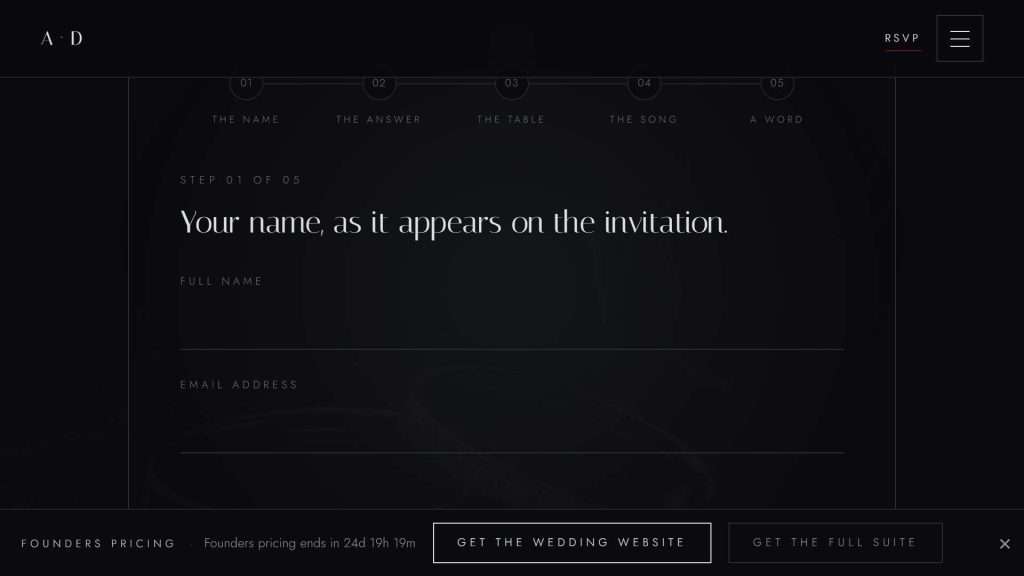
Guests reply directly on your site, meal choice, plus-ones, and one song request, all in a single form. Responses land in your dashboard as they are submitted, counted and sorted. One click exports everything to a spreadsheet for your venue. No third-party forms. No white backgrounds.
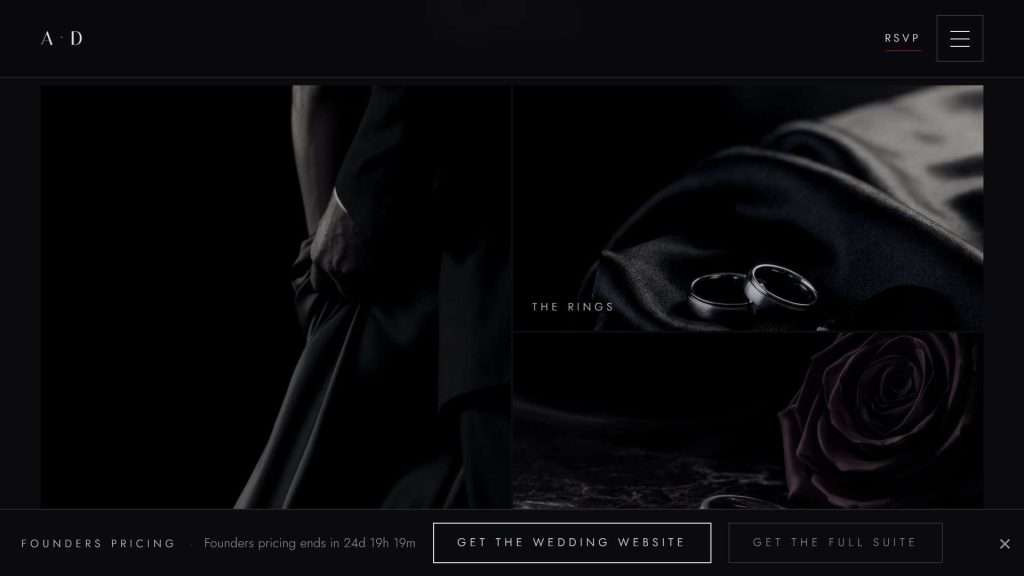
Your photographs, set against smoke black with nothing competing for the eye. Not a grid of thumbnails on white. A room built to hold them.
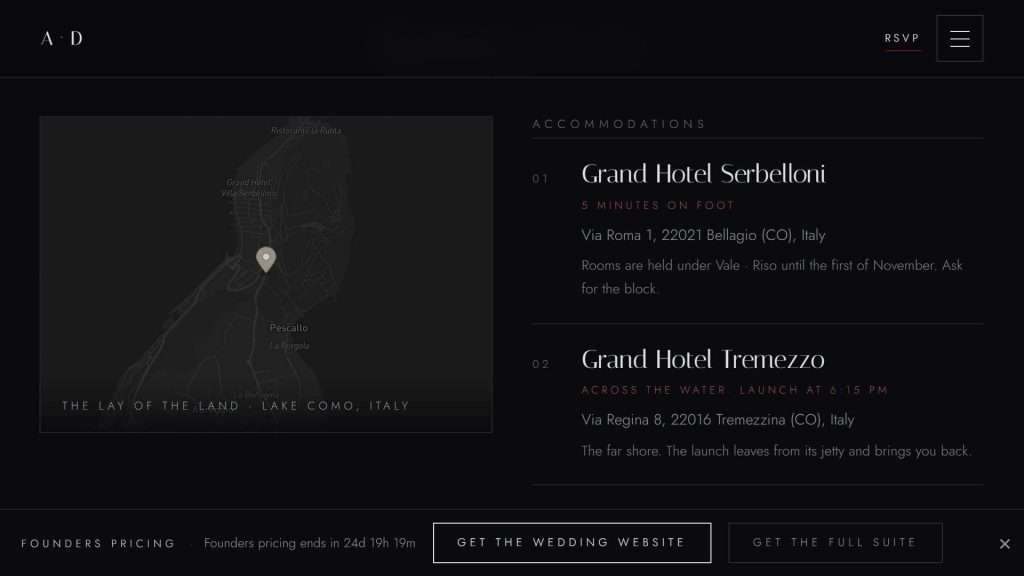
Hotel blocks, travel notes, and a map to the venue, all in one place. Ask a transportation question on the RSVP and ride counts appear in your dashboard beside the meals. No separate survey. Everything styled in the same smoke-black atmosphere.
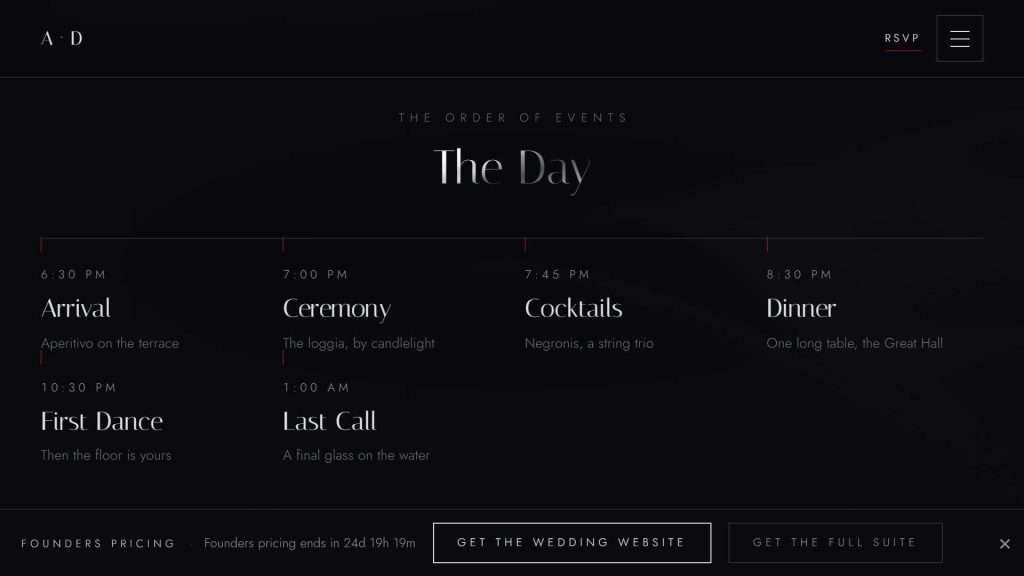
Ceremony, cocktails, dinner, last call, laid out hour by hour. If the wedding is one night among several, the weekend gets its own line: welcome drinks, the day itself, the morning after. No icons, no clutter. Just the hours, in order.
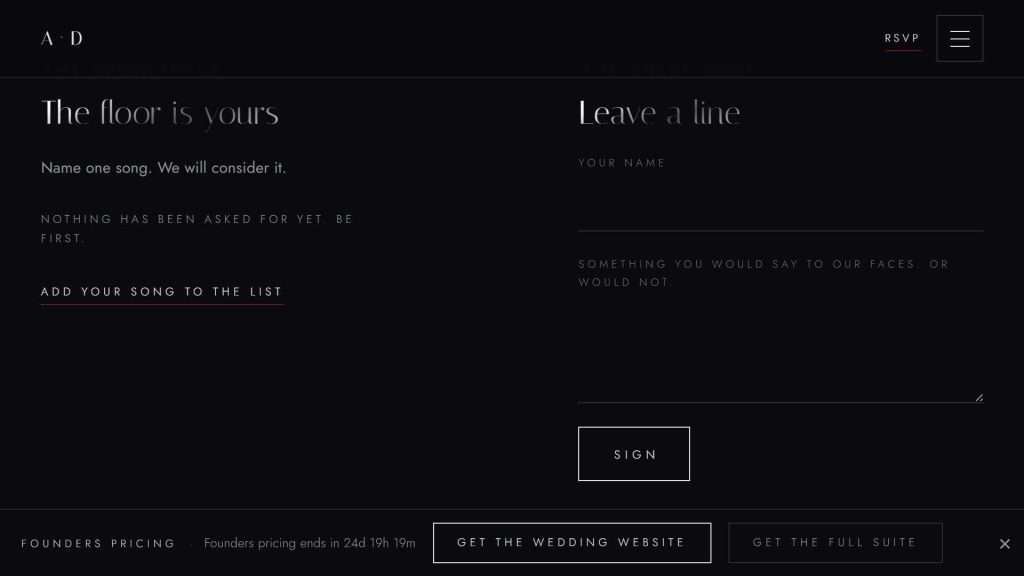
A place for guests to leave a line before or after the wedding. Something they would say to your face, or would not. Kept, not curated.
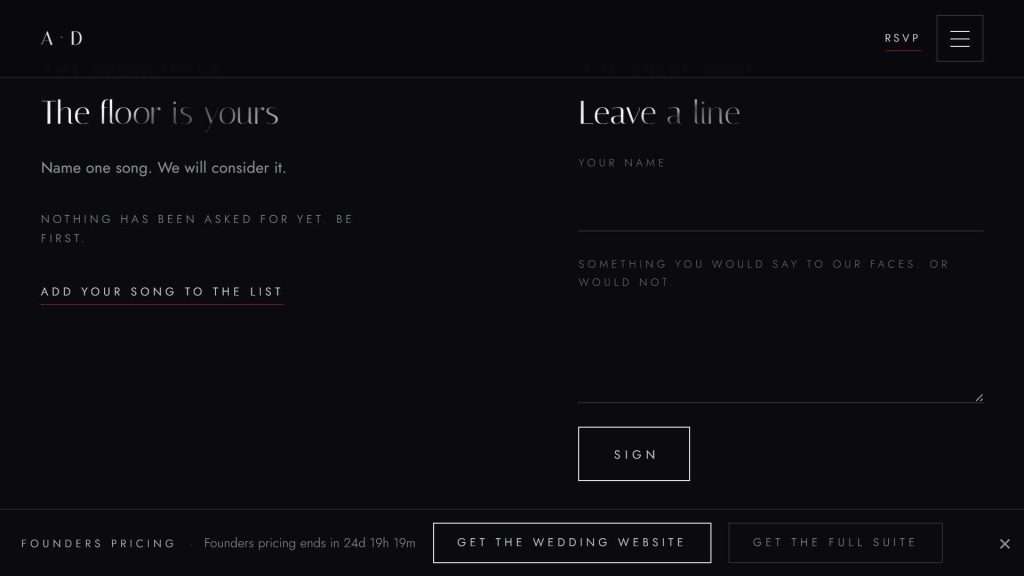
Guests name a track for the floor on their RSVP. Hand your DJ the list, or build a playlist that actually reflects your people. Built into the RSVP flow.
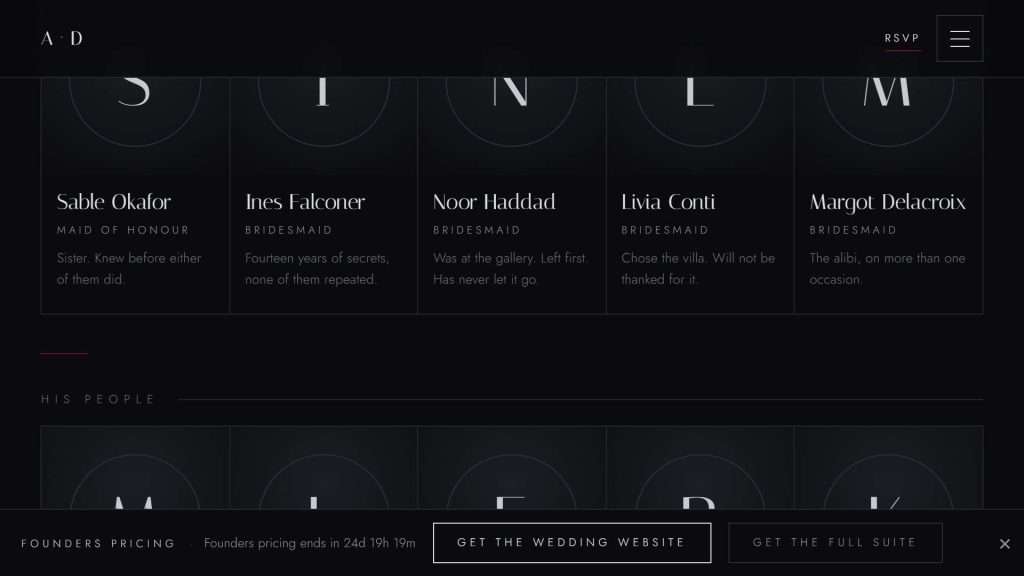
Your people, introduced properly. Names, roles, one cold line each. Editorial, not decorative.
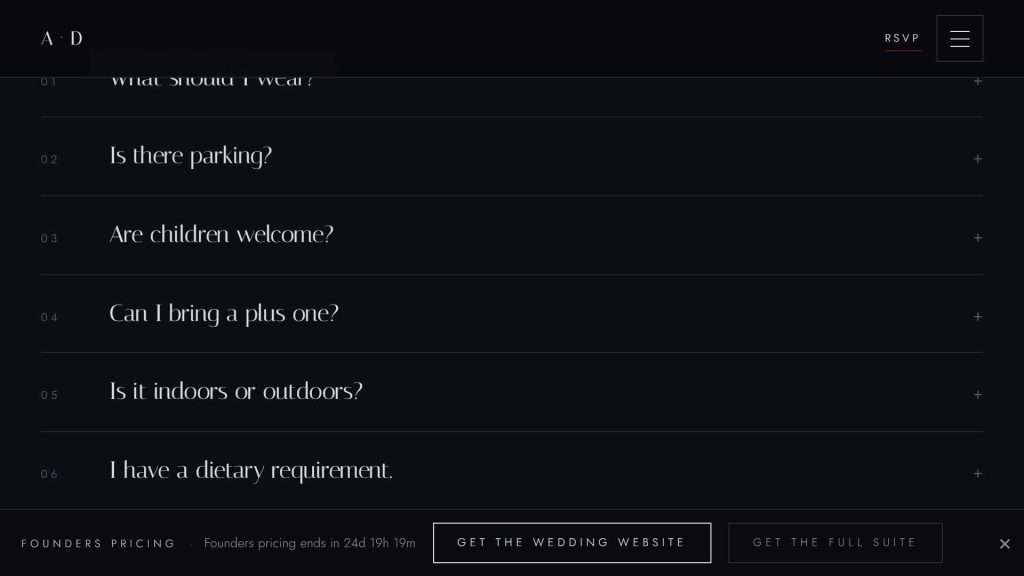
Answer every question once, dress code, parking, plus-ones, the rest. Your guests get answers without a text at midnight.
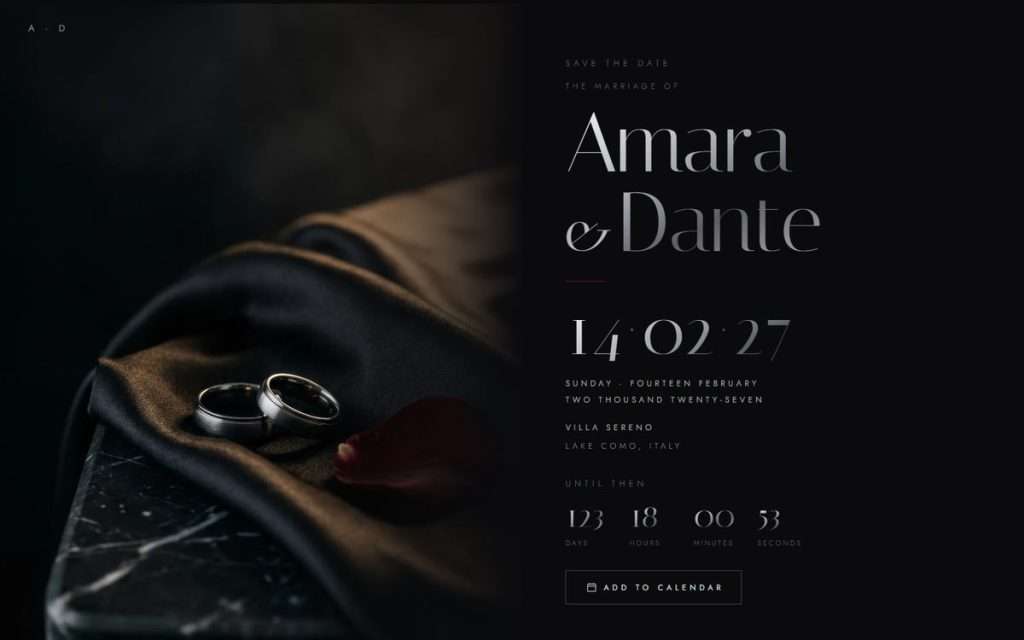
Names, date, city. A countdown. Add to Calendar. Two photographs and a note, if you want them. No address, no RSVP, until you switch from your dashboard or schedule it. Same link.
Your Dashboard
Your guests see the atmosphere. You get the controls, a private dashboard where every RSVP, meal choice, and transportation request appears as each guest responds. Need to hand your numbers to the caterer or build your seating chart? Export everything to a clean spreadsheet in one click. No plugins, no monthly bill.
Responses arrive as your guests hit submit, attending, declined, and still deciding, counted at a glance. Export the whole list to a spreadsheet whenever you need it.
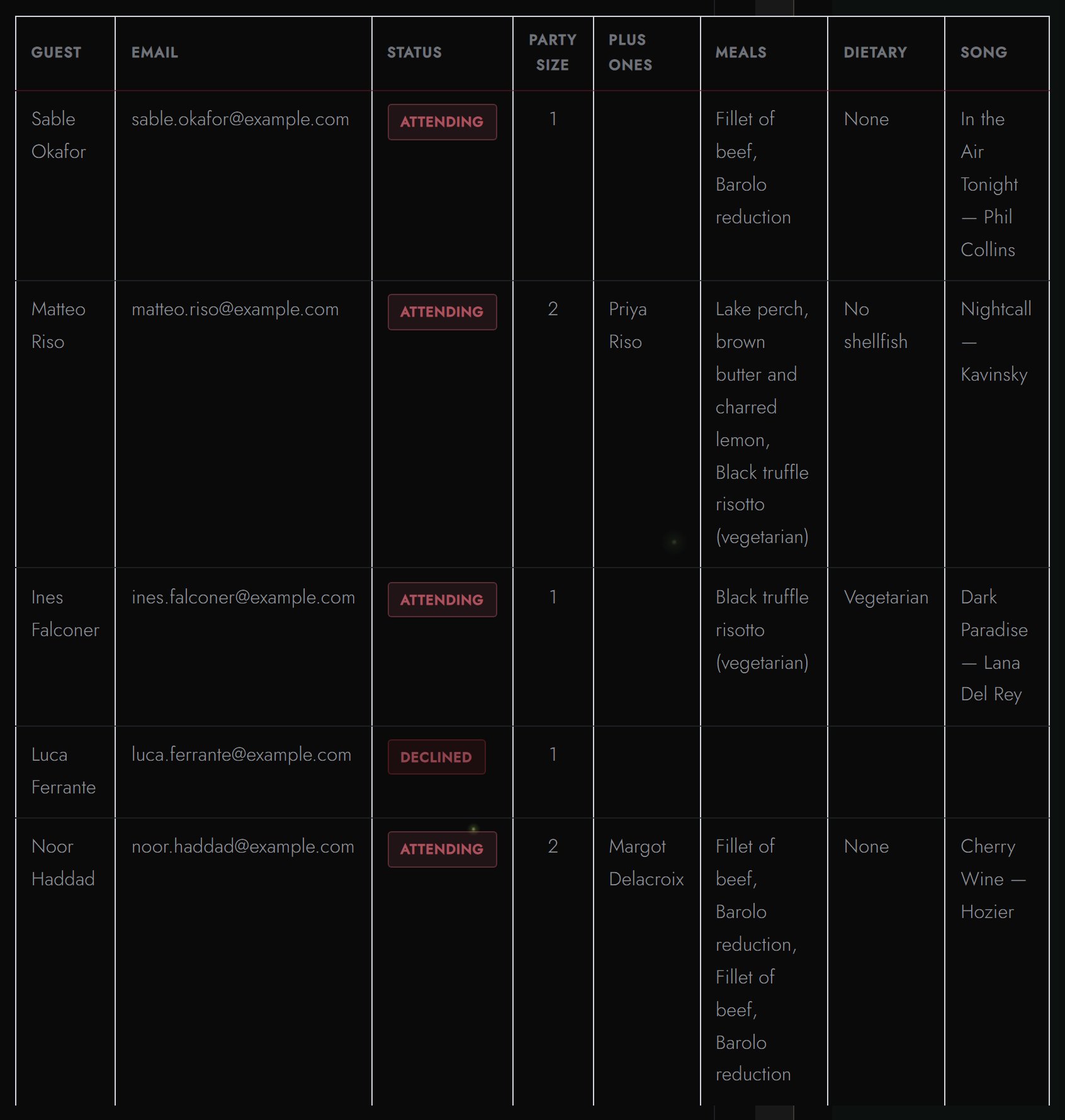
Open any name to see their meal choice, transportation needs, plus-one, and the song they want to hear. Every detail your venue needs, captured without a follow-up text.
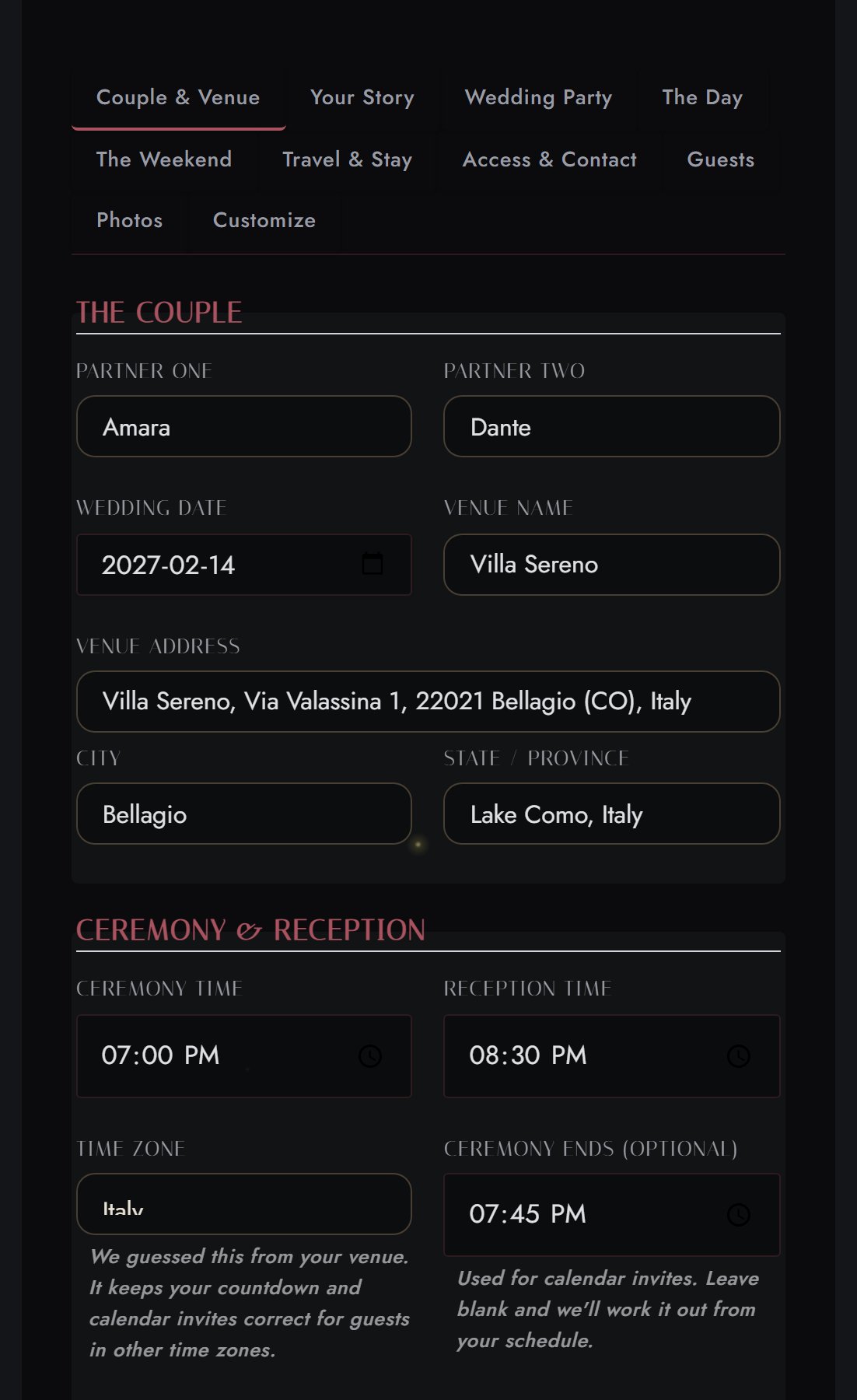
A gentle, guided form for your story, your schedule, your registry. Fill the fields, the page composes itself.
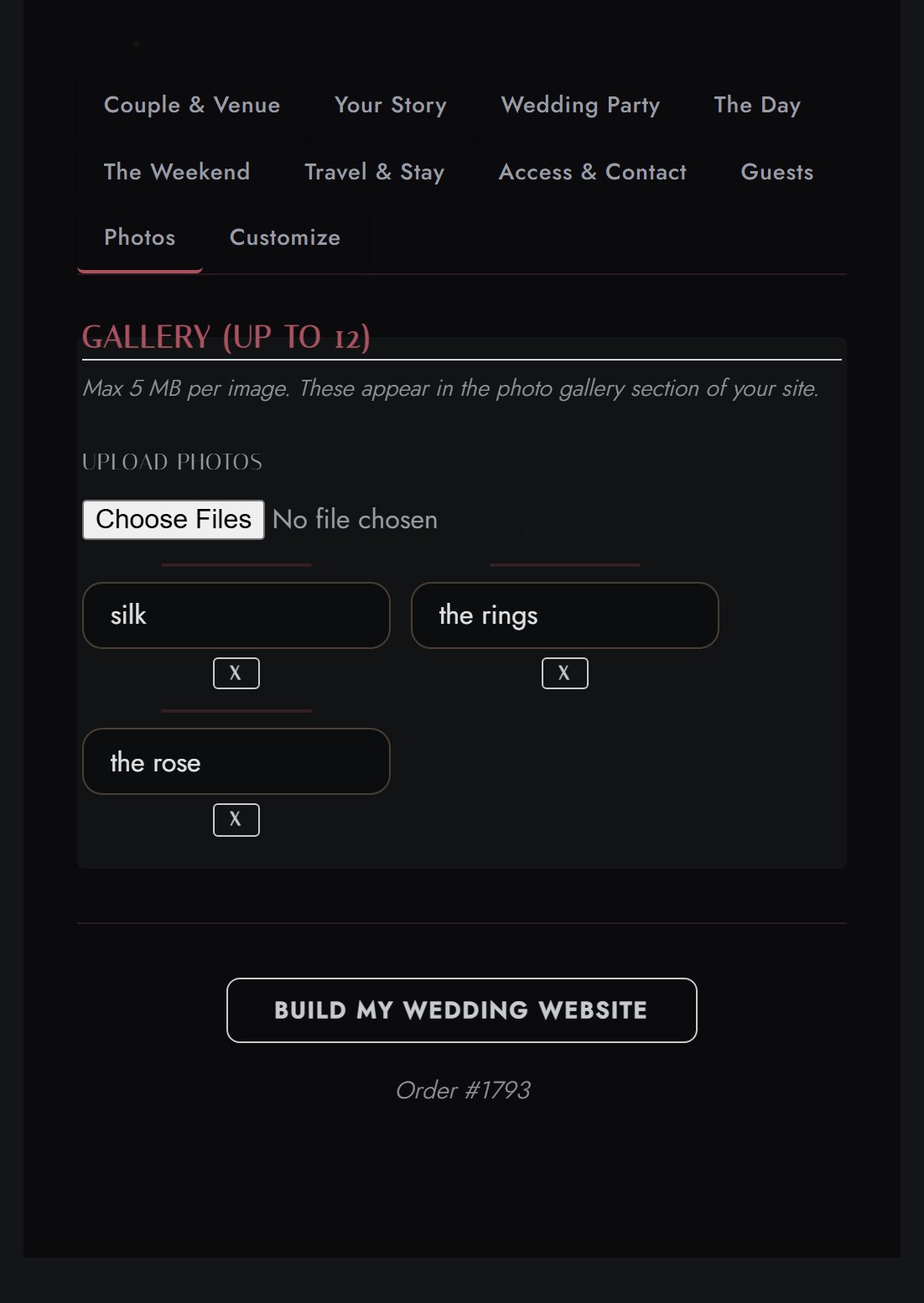
Add your photos, your names, your details. The palette and type stay exactly as designed, no code, no designer required.
A real tool you log into and control, not a template you wrestle, and never a subscription. One payment, yours for the wedding.
If you can fill in a form, you already know how to run it. Responses appear as guests send them, and when it is time to hand your numbers to the venue, one click exports everything to a spreadsheet.
Add to cart, checkout. One-time payment, and your ThornBloom account is ready for your details.
Names, date, venue, timeline, photos, guest list. A guided form inside My Account.
Your wedding website generates with your details and Obsidian Vow artwork. Live in minutes.
Send guests your address. Save the date first. The full site when you switch. Same address.
Something to hold as well. A black tie printed card or 5x7 magnet save the date, in Silver or Rose, set by the studio.
No monthly fees. No surprise charges. Set and hosted for twenty-four months.
One payment, no subscription
5 pieces · stationery + website
Four black tie mobile pieces, plus your own hosted Obsidian Vow wedding website, one unbroken register, entirely digital.
27 pieces · stationery + website
Print stationery, alongside the website, in the same register, the whole vow in black, in one complete suite.
A Straight Answer
Your site starts out unlisted. Search engines are asked not to list it, and its address, your names followed by a short run of random characters, isn’t published or linked anywhere, our own sitemap included. If you’d like more than that, you can set a password. Turn it on and the whole site moves behind it: your schedule, your venue and its full address, your travel notes, your wedding party, your registry, your FAQ, the RSVP form, and every calendar file. Anyone without the password gets a password screen and nothing else. It stays off unless you switch it on, so set one if you want it, and if you’d rather keep things simple, your site stays readable by anyone holding the link.
What a password doesn’t cover: someone who has your address can still tell that a wedding site exists there. They simply can’t see anything inside it. The artwork and code behind the design are shared by every site using it and hold nothing about you.
Those platforms offer bright, cookie-cutter layouts built for pastel weddings. Yours is a fully immersive, dark-register site that matches your stationery exactly, same artwork, same palette, same type. One payment instead of a monthly subscription.
A fully hosted wedding website at weddings.thornbloomstudio.com/your-names with RSVP management, guestbook, story, gallery, registry, travel and a map, wedding party section, song requests, and a guest FAQ, opened by a seal-break animation. Twenty-four months of hosting included.
That is how it starts. An online save the date, all black: your names, the date in numerals, the city, a countdown and Add to Calendar. Two photographs and a short note, if you want them. Switch to the full site from your dashboard when the invitations go out, or schedule it. If the wedding is 120 days away or less when you buy, it starts as the full site.
No. Same link. The invitation, the evening, travel and the RSVP appear where the save the date was.
Choose “We only know the month so far” in your dashboard. Guests see the month and year, and “Date to follow”. Set the day later. The countdown and Add to Calendar follow.
You can extend hosting for $19 per year. If you choose not to renew, your site data is preserved for 90 days so you can download your guestbook messages and RSVP data.
No. Your wedding website works in any browser on any device. Guests visit the URL, see your world, and RSVP right there. No app downloads, no account creation.
Yes. Log into your ThornBloom account and update your details at any time. Changes appear on your live site in minutes.
Yes, if you want one. It’s off unless you turn it on. Set a password in your dashboard and the whole site moves behind it: your schedule, your venue and its address, travel notes, wedding party, registry, FAQ, the RSVP form, and every calendar file. Anyone without it sees a password screen and no content at all. Without a password, your site works rather like the address printed on a paper invitation, unlisted and kept out of search results, but readable by anyone who’s handed the link, including anyone it gets forwarded to. Both are reasonable choices. The password is simply there if you’d like it.
A password screen, and nothing more. No names, no date, no venue, nothing from the page, and no calendar files. They will be able to tell a wedding site exists at that address; they just won’t be able to see anything in it.
Not unless you ask it to. Every site launches with search engines instructed not to list it, so it won’t appear in results for your names. If you’d like to be findable, there’s a single switch in your details form, and if you change your mind, it can take search engines a few weeks to catch up in either direction.
$99.99 once. Your world, your URL, your guests’ first look at what’s coming.
Get the Obsidian Vow Website →ThornBloom Studio
We typically respond within 24 hours.